Old Portfolio 2
September 15, 2024
Web

Old Portfolio 2

A professional portfolio website to showcase skills, projects, and achievements.

React.jsHTMLCSS

Overview

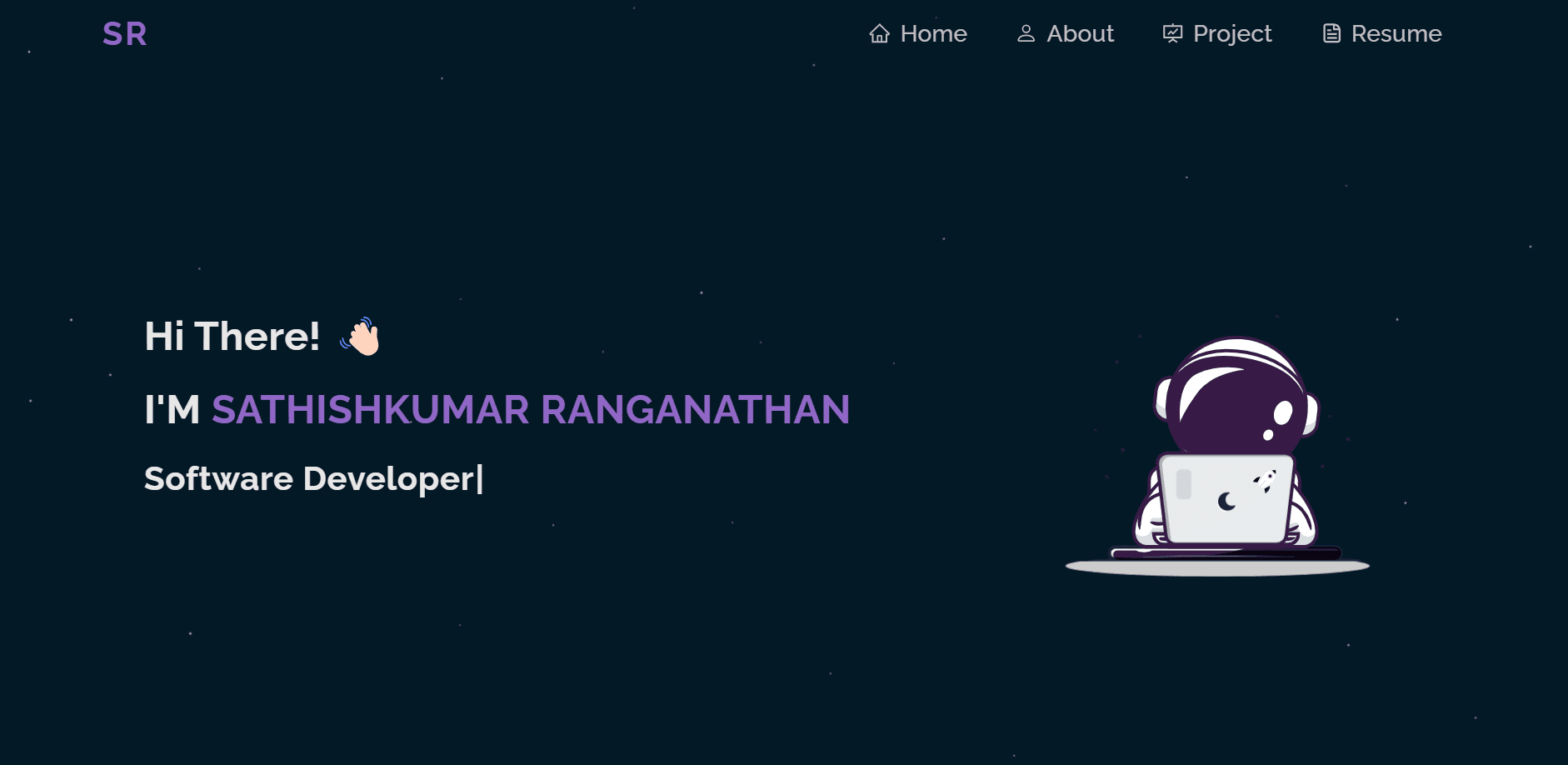
The Old Portfolio was a personal website designed to highlight projects, professional achievements, and technical skills. Built with React.js, HTML, and CSS, it featured a responsive and modern design that helped in connecting with potential employers and clients. The portfolio showcased creativity and technical expertise while leaving a lasting impression.

Key Achievements

  • Created a personal portfolio website to showcase work and achievements
  • Implemented a responsive design using Custom CSS
  • Enhanced professional visibility and networking opportunities
  • Served as a foundation for later upgraded portfolio projects

Personal Portfolio [Sathishkumar Ranganathan](https://skportfolio.dev)

Fork

Feel free to fork this repo to modify and make changes of your own. Please give me proper credit by linking it back to this repo. Thanks!

About

This project is my personal portfolio which features some of my skills, GitHub projects and my resume.

These technologies are used to build this website:

  • React.js
  • Git
  • NPM Packages
  • Vercel
  • Some of the features of this website are:

  • Multi-page layout
  • Fully responsive
  • Preloader
  • Refresh on clicking logo
  • NPM packages used:

  • lottie-react : For the animations used in the website.
  • react-spinners : For the preloader animation.
  • react-icons : For all the icons.
  • typewriter-effect : The typing effect on the home page.
  • react-pdf : To preview the resume pdf.
  • react-parallax-tilt : To apply tilt hover effect on react components like image and animation.
  • Getting started 🛠️

    You need to have git installed on your system to modify this repo.

  • Fork this repo from the fork option on top of my GitHub repo.
  • After completing the fork, move to the copied repo in your account and copy the HTTPS link from the code option.
  • Now in the terminal of your system(in vs code or any third party terminal) cd over to the location where you want to store this project & write, git clone copied link
  • This would create a copy in your local system and link it to the forked repo.
  • Now open this project in your desirable IDE and in the terminal write npm i, this would install all the necessary npm packages.
  • You can write npm start in the terminal to open the project in development mode. Open to view in the browser. This page should reload when you make any changes.
  • You can browse the project and make changes according to your will.

    Support

    Show your support by leaving a star ⭐ on this repo, if you like the website.

    Fell free to point out any bugs🪲 or improvements in the issues tab.

    Project Links

    Sathishkumar Ranganathan

    Full-stack Software Developer passionate about creating scalable web applications and smart systems with React.js, Next.js, PHP, and Flutter.

    Connect

    Keyboard Shortcuts

    K
    Search
    T
    Toggle theme
    2026 Sathishkumar Ranganathan. All rights reserved.
    Built withusing Next.js & Tailwind
    Sathishkumar Ranganathan | Portfolio