ShareEase
ShareEase is a secure and user-friendly file sharing platform designed for easy and efficient exchange of files.
Overview
ShareEase is an intuitive web application that enables users to upload, manage, and share files of various types and sizes with ease. Built with Node.js, Express, React.js, and MongoDB, the platform ensures secure storage and fast file delivery. Real-time collaboration is powered by Socket.IO, allowing instant updates and notifications when files are shared. With its responsive Bootstrap-based design, ShareEase provides a simple yet robust solution for both personal and team-based file sharing.
Key Achievements
- Built a full-stack file sharing application with secure file handling
- Integrated real-time notifications and updates using Socket.IO
- Designed a responsive and intuitive UI with Bootstrap and React
- Implemented scalable storage and retrieval using MongoDB
- Enhanced collaboration by allowing quick file exchange between users
ShareEase
ShareEase is an intuitive and secure file sharing platform designed to facilitate easy and efficient exchange of files between users. It offers a user-friendly interface for uploading, managing, and sharing files of various types and sizes. Key features include:
Technology used
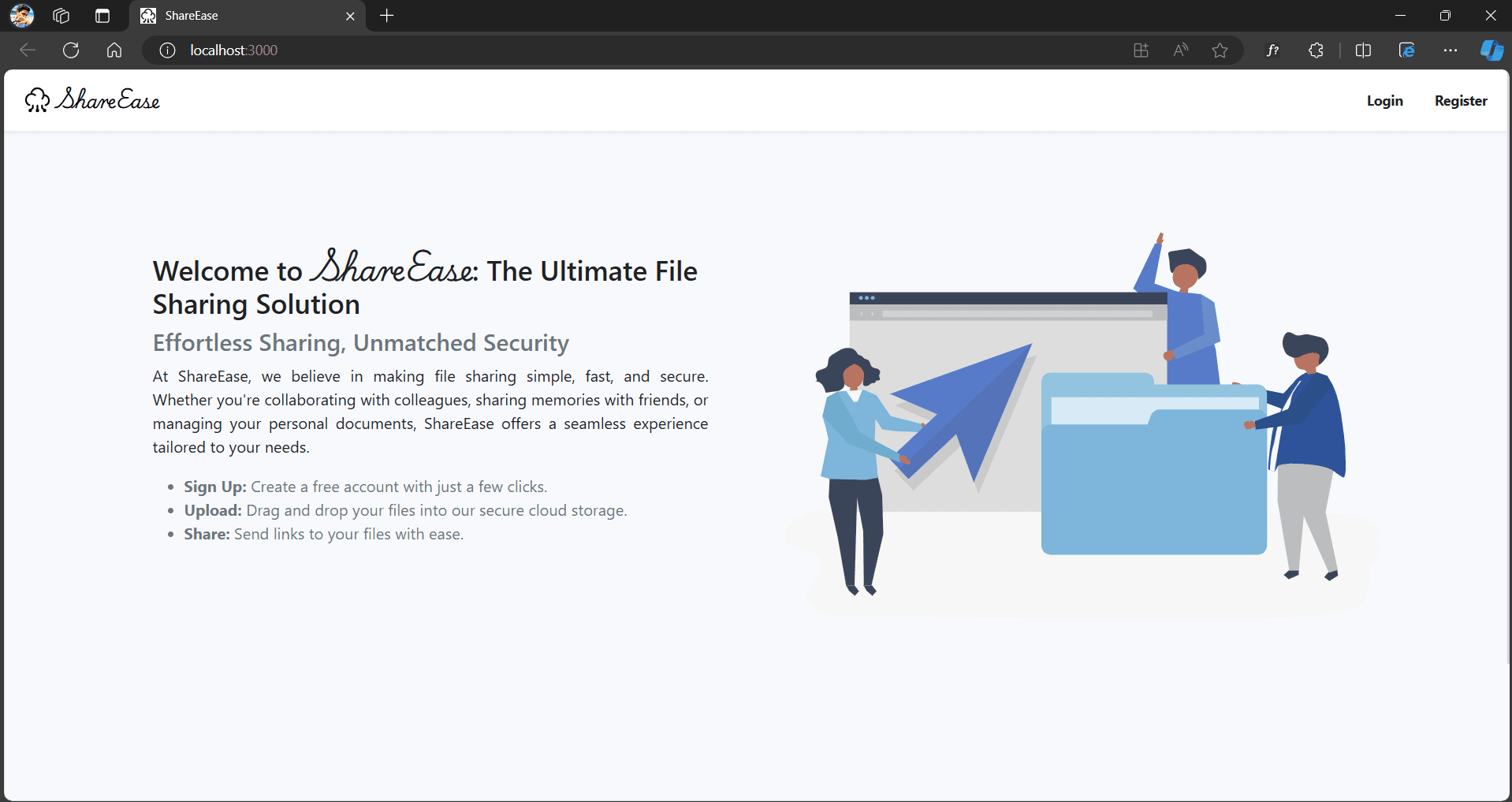
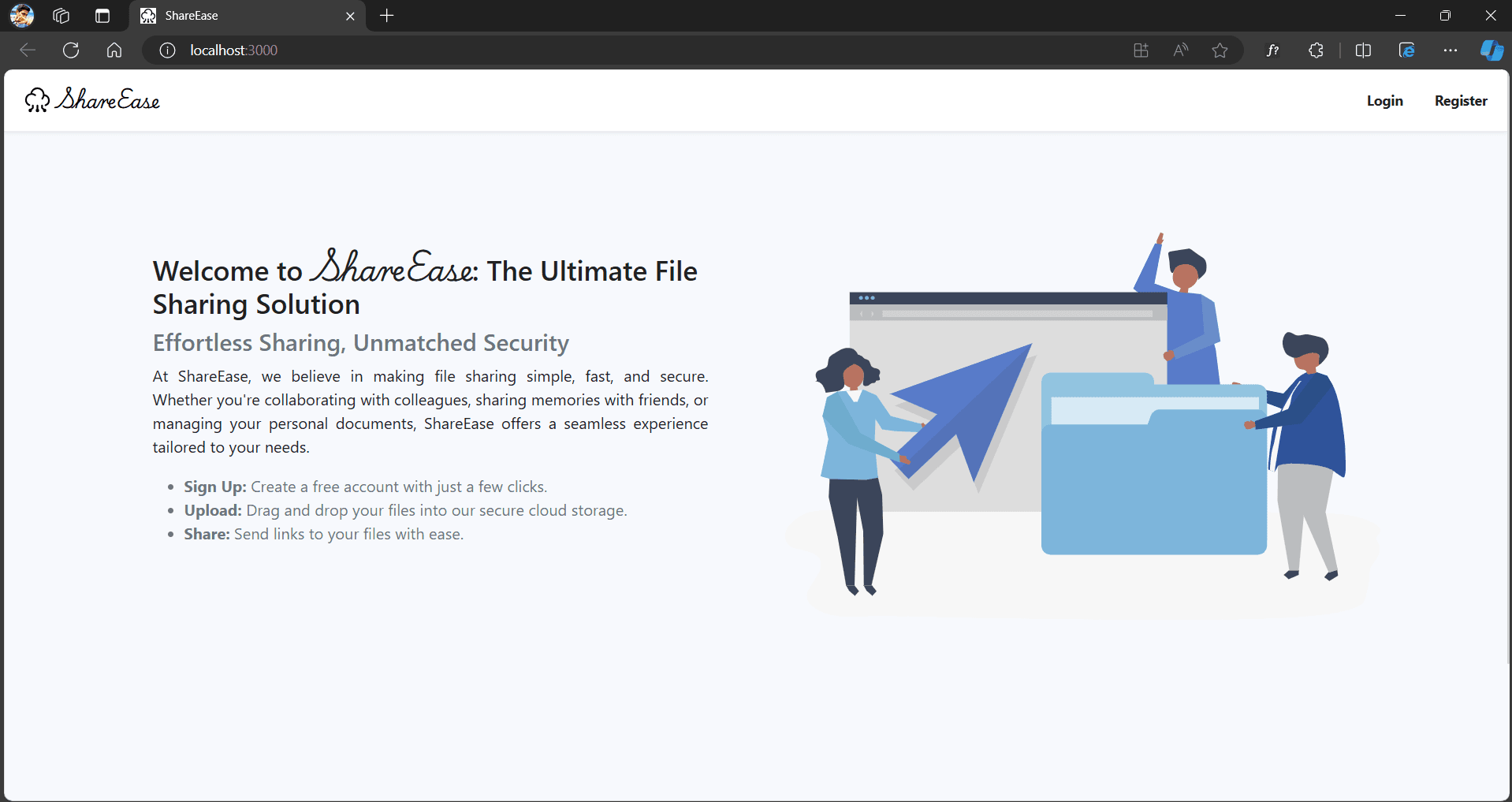
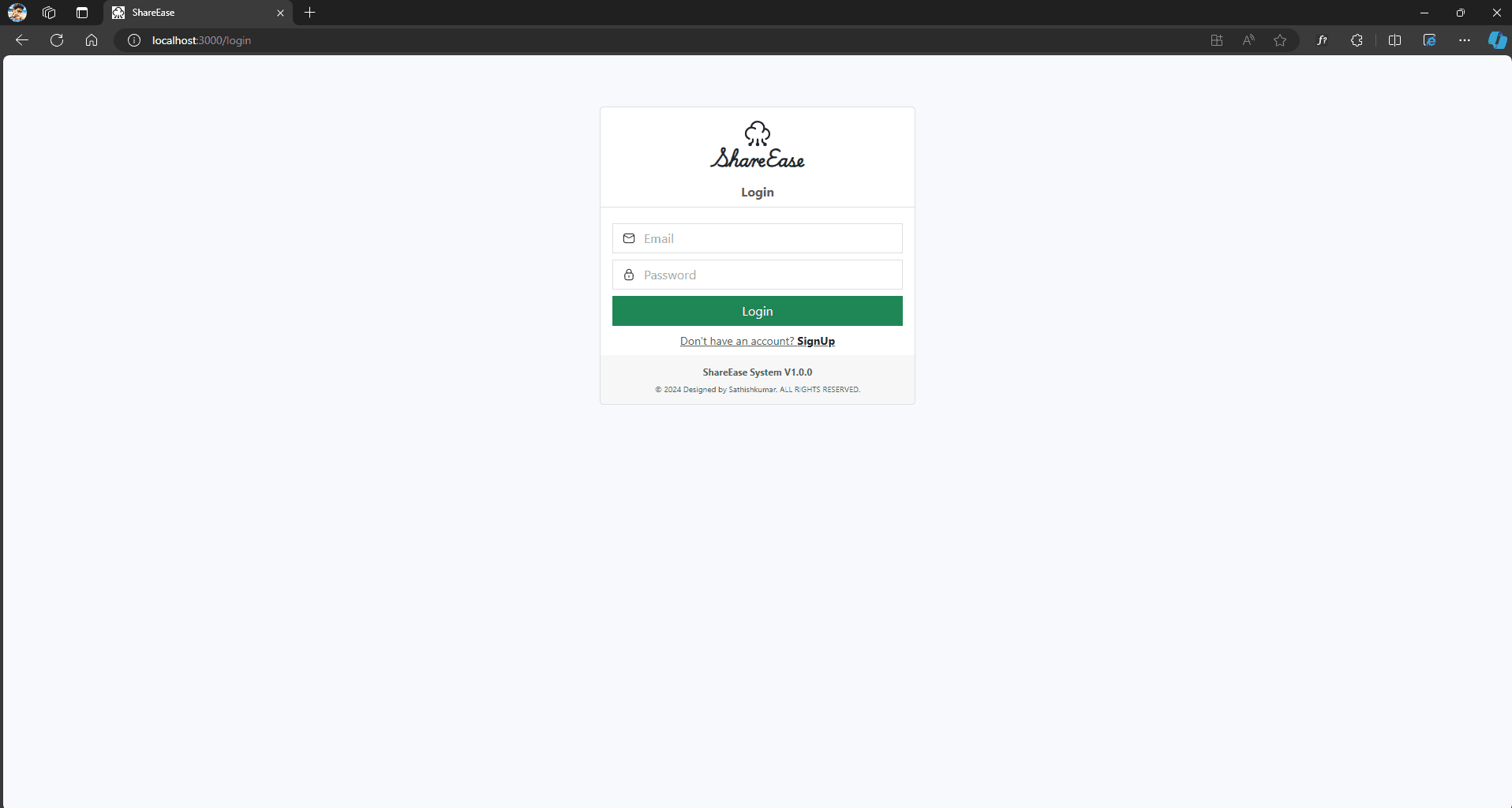
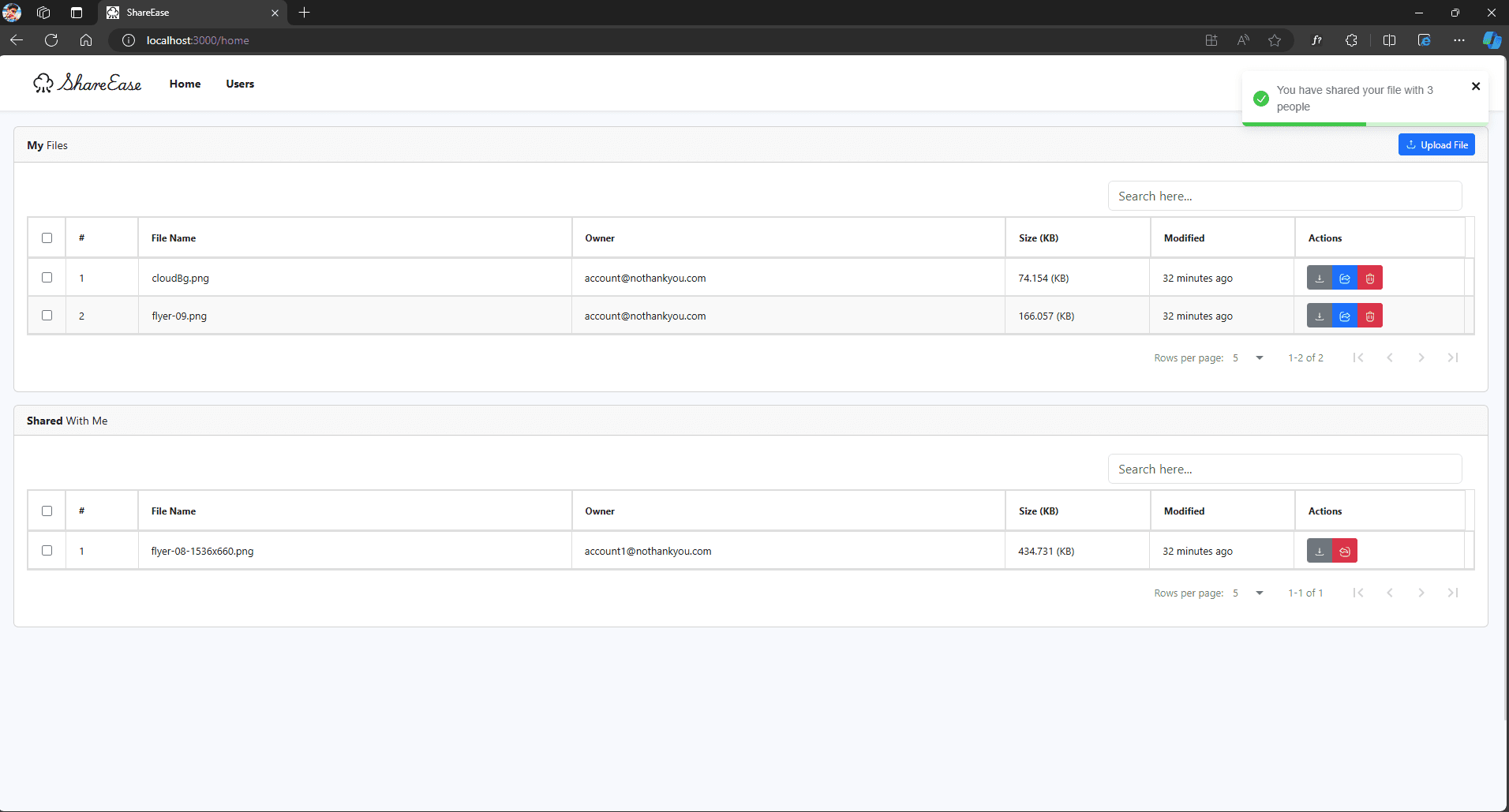
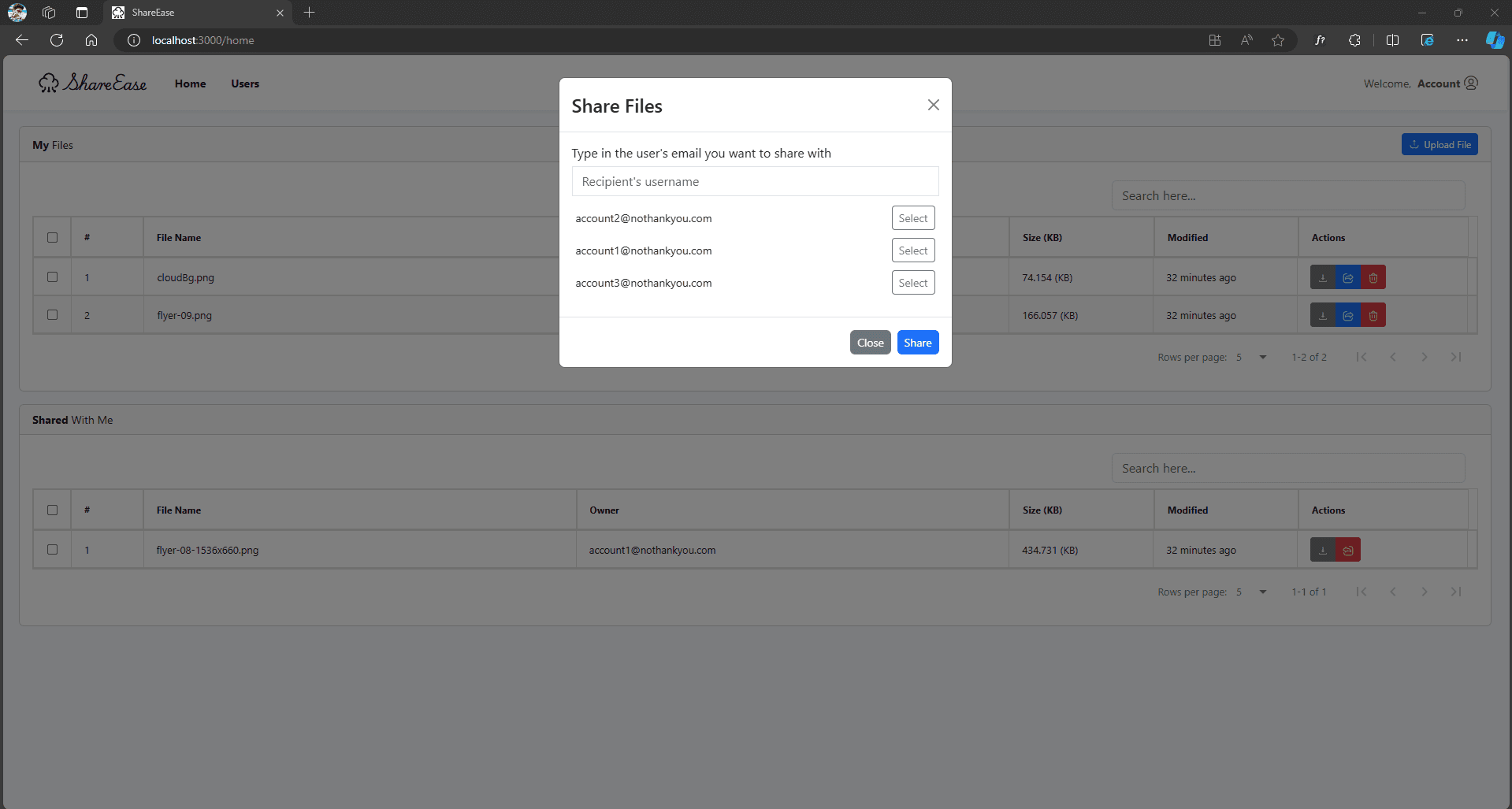
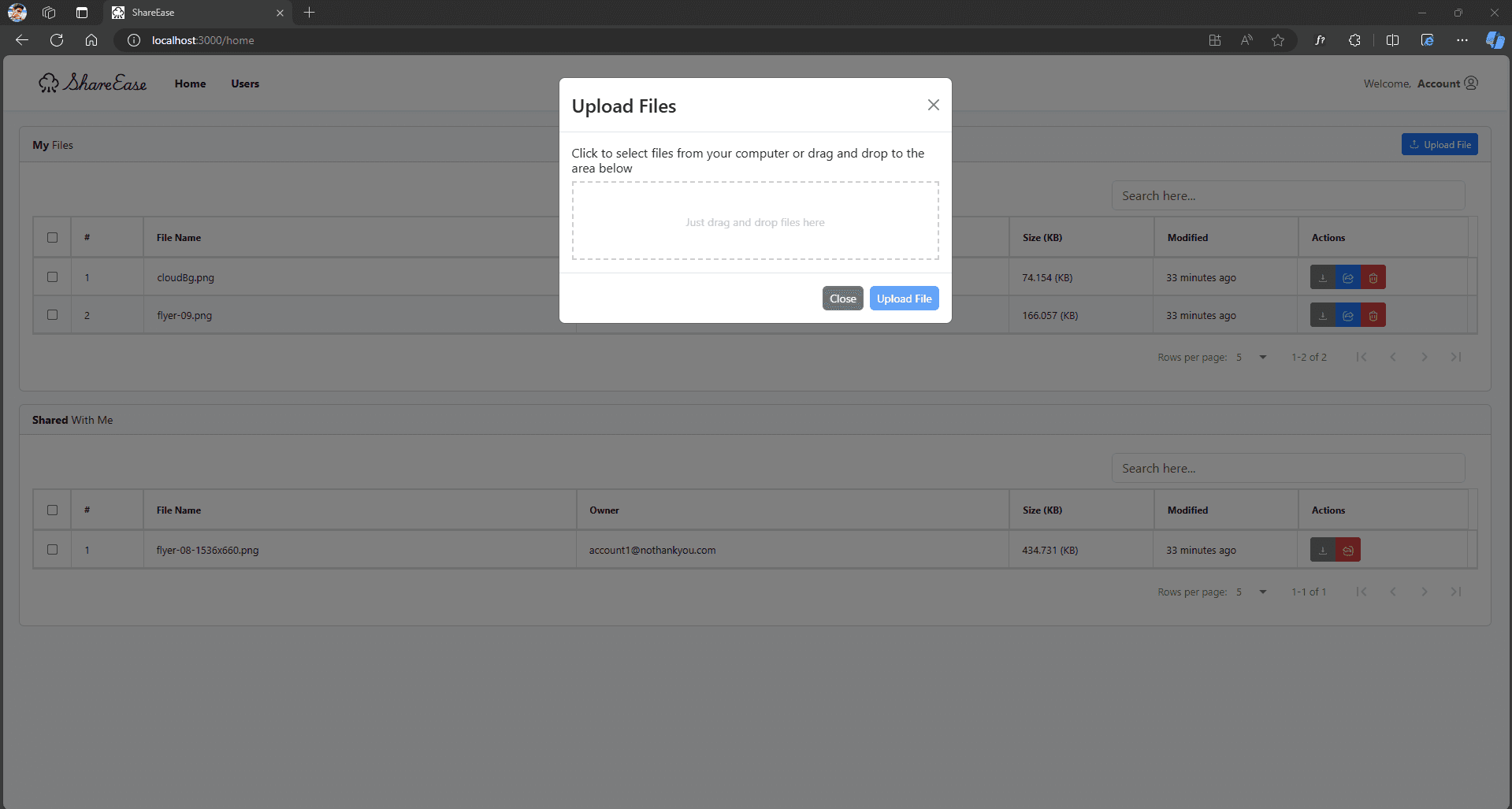
App Preview
Features
What can user do?
1. User can create an account/register an account. To register, the email must not be used by any other user.
2. User can upload/share/delete his file with anyone who is in the system.
3. If user shared with someone, user can remove his file from sharing with that person, or choose not to share with anyone.
4. User can rename the file - by clicking at the name of the file.
5. User can see which file is shared with him, he can choose to unshare it if he wants.
6. User have real-time update on the file he subscribes (is shared/owned) to.
7. User can download if the file is shared to him or is owned by him. - Only user who has these privilege can download the file
How to run
Go to server, install and start the server
cd server/
npm install && npm start
Server should be in localhost:5000. Please reserve this port for the application, else you can modify it in Constants.js
Go to client, install and start the server
cd client/
npm install && npm start
You can access the website in localhost:3000 by default
For testing':'
Please leave both front-back end application on.
Client
cd client/
npm run test
> Your chrome browser’s version has to be 77 and above for the test to run.
Server
cd server/
npm run test
That’s it. Now enjoy the application running.